How do I customize the "List of documents" tab?
This article is intended for school administrators or management.
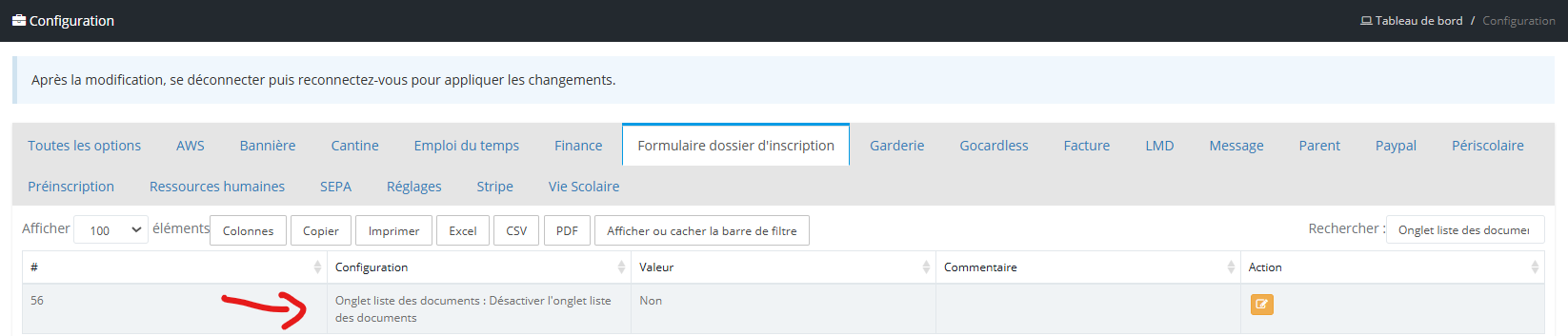
To customize the list of documents, go to the "Settings" module. Open the "Configuration menu. Then select the "Registration file form" tab.
To customize the list of documents, go to the "Settings" module. Open the "Configuration menu. Then select the "Registration file form" tab.
Activation/disabling the "List of documents" tab
This tab can be displayed or hidden depending on the needs of the property. To do this, use the option "Document List tab: Disable the document list tab"
Personalization of the "List of documents" tab
Personalization of the "List of documents" tab
To customize the wording of documents, hide, add or make them mandatory, simply use the options below.👇
👉 To make downloading a document mandatory, simply add a * at the end of the label.
👉 To hide the display of a document, leave its value empty.
Related articles: